“Garbage in, garbage out” applies to security too. In today’s digital world, weak passwords are no longer just risky—they are an open invitation. Artificial Intelligence can guess passwords faster than ever, and future quantum computers will dramatically reduce the time it takes to crack traditional encryption. This means the way we create and manage passwords must evolve.
Why Old Password Habits No Longer Work
Traditional passwords like Password123, birthdays, pet names, or reused login details are easily broken by:
-
AI-powered brute-force attacks that test billions of combinations per second
-
Credential stuffing, where leaked passwords are reused across sites
-
Phishing attacks, enhanced by AI-written emails and fake websites
-
Future quantum computing, which will weaken current cryptographic protections
Length and randomness now matter far more than complexity tricks like symbols alone.
What Makes a Strong Password Today?
A modern strong password must be:
-
Long (at least 16–20 characters)
-
Unique (never reused)
-
Random (not based on personal information)
-
Stored securely (not in browsers or notes apps)
Example:
❌ Weak:
John1985!
✔ Strong:
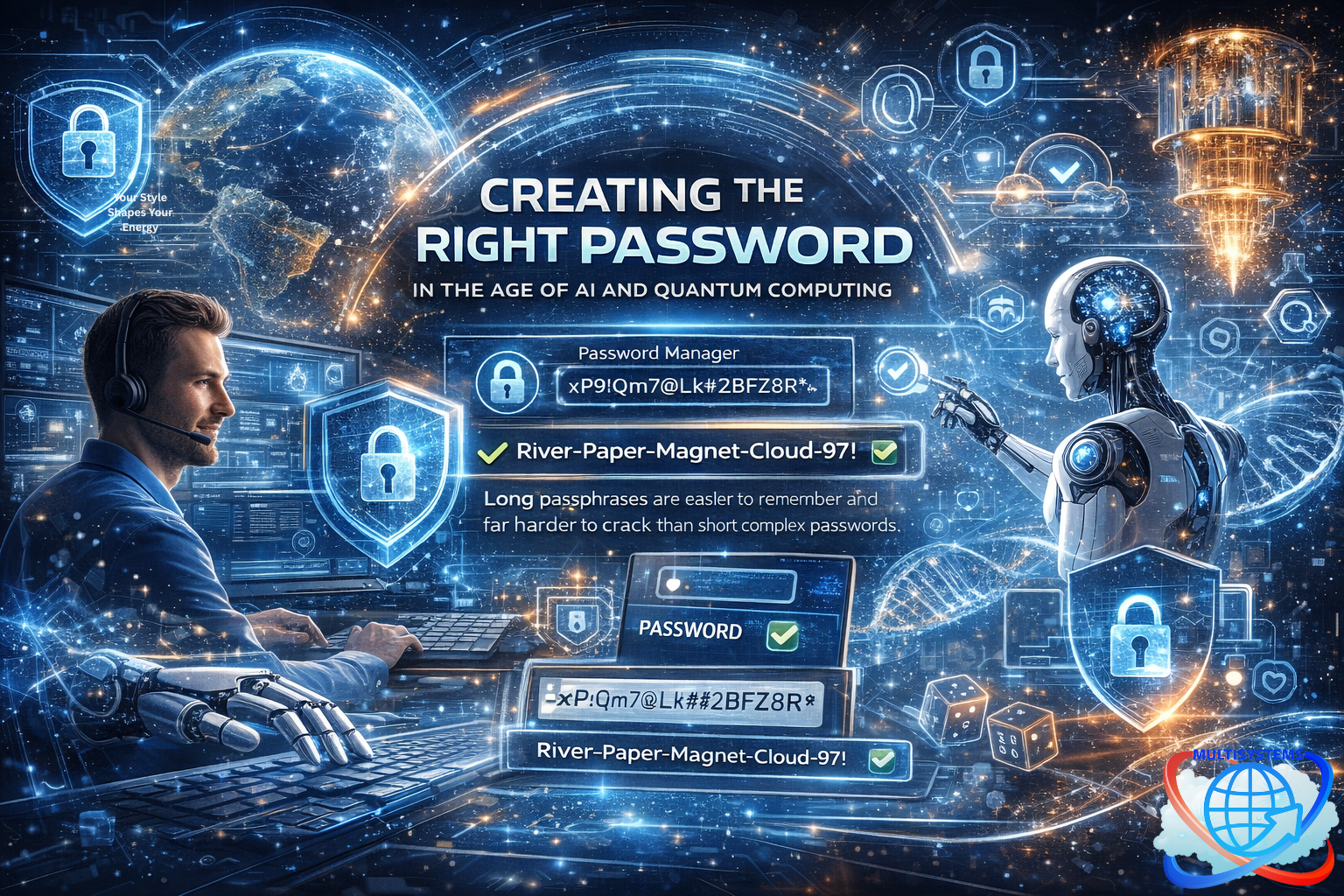
River-Paper-Magnet-Cloud-97!
Long passphrases are easier to remember and far harder to crack than short complex passwords.
The Best Password Methods in the Age of AI
1. Password Managers (Best Overall Method)
Recommended for all users
Password managers generate and store strong, unique passwords for every account.
Why they work:
-
Create 20–40 character random passwords
-
Protect data with strong encryption
-
Reduce human error
-
Integrate with browsers and devices securely
Example Password (auto-generated):
xP9!Qm7@Lk#2BfZ8R*
Best Practice:
Use one very strong master passphrase (20+ characters) and protect it with biometrics and MFA.
2. Multi-Factor Authentication (MFA) – Mandatory Layer
Must be used with any password method
MFA adds a second requirement:
-
Authenticator app (recommended)
-
Hardware security key
-
Biometrics (fingerprint or face scan)
❌ Avoid SMS-based MFA when possible (vulnerable to SIM swapping).
3. Passkeys (Future-Proof & Quantum-Resistant Direction)
Best emerging method for devices
Passkeys replace passwords entirely using cryptographic keys stored on your device.
Advantages:
-
No password to steal or guess
-
Resistant to phishing
-
Safer against AI-based attacks
-
Better prepared for a post-quantum future
Examples of passkey usage:
-
Unlocking accounts with Face ID or fingerprint
-
Hardware-backed authentication (TPM, Secure Enclave)
Best Password Method by Device Type
📱 Mobile Devices
✔ Passkeys + biometrics
✔ Password manager for legacy apps
✔ MFA enabled everywhere
💻 Laptops & Desktops
✔ Password manager
✔ Long master passphrase
✔ Hardware security key (YubiKey or equivalent)
🌐 Online Accounts (Email, Banking, Cloud)
✔ Unique passwords via password manager
✔ MFA with authenticator app or hardware key
✔ Never reuse passwords
🏢 Enterprise & Admin Accounts
✔ Hardware security keys
✔ Zero-trust access models
✔ Passwordless authentication where possible
What to Avoid Completely
-
Reusing passwords
-
Saving passwords in plain text
-
Using browser-only password storage without a manager
-
Relying on short complex passwords instead of long passphrases
-
Security questions with real answers
Final Recommendation
The best password method today is:
Password Manager + Long Master Passphrase + MFA + Passkeys wherever available
Passwords are no longer just about memory—they are about systems, layers, and future-proof thinking. In the age of AI and quantum computing, strong security is not optional; it is foundational.